


Do computers hurt your eyes?
Tired eyes? The computer in your pocket might be to blame. Screens don't generally cause permanent eye damage from ordinary use, but they can absolutely make your eyes hurt. And for a lot of people, excess screen time is causing extra eye ouchies daily.
Eye pain from screens actually has a formal name, digital eye strain, also called computer vision syndrome. It's a group of symptoms triggered by how your visual system responds to screens. In this article, we'll break down the causes for digital eye strain, what it feels like, and what you can do about it.
Why computer screens make your eyes hurt
Short answer: Screens don’t injure your eyes, but they do stress your visual system.
When you stare at a screen, your eyes are working harder than they do during most other activities. They're constantly adjusting focus, managing contrast, dealing with glare, and doing it all with fewer blinks than normal.
None of this causes sudden or permanent damage from regular computer use. But sustained, repetitive visual effort without breaks leads to fatigue, dryness, and discomfort in the same way that any muscle feels sore after overuse.
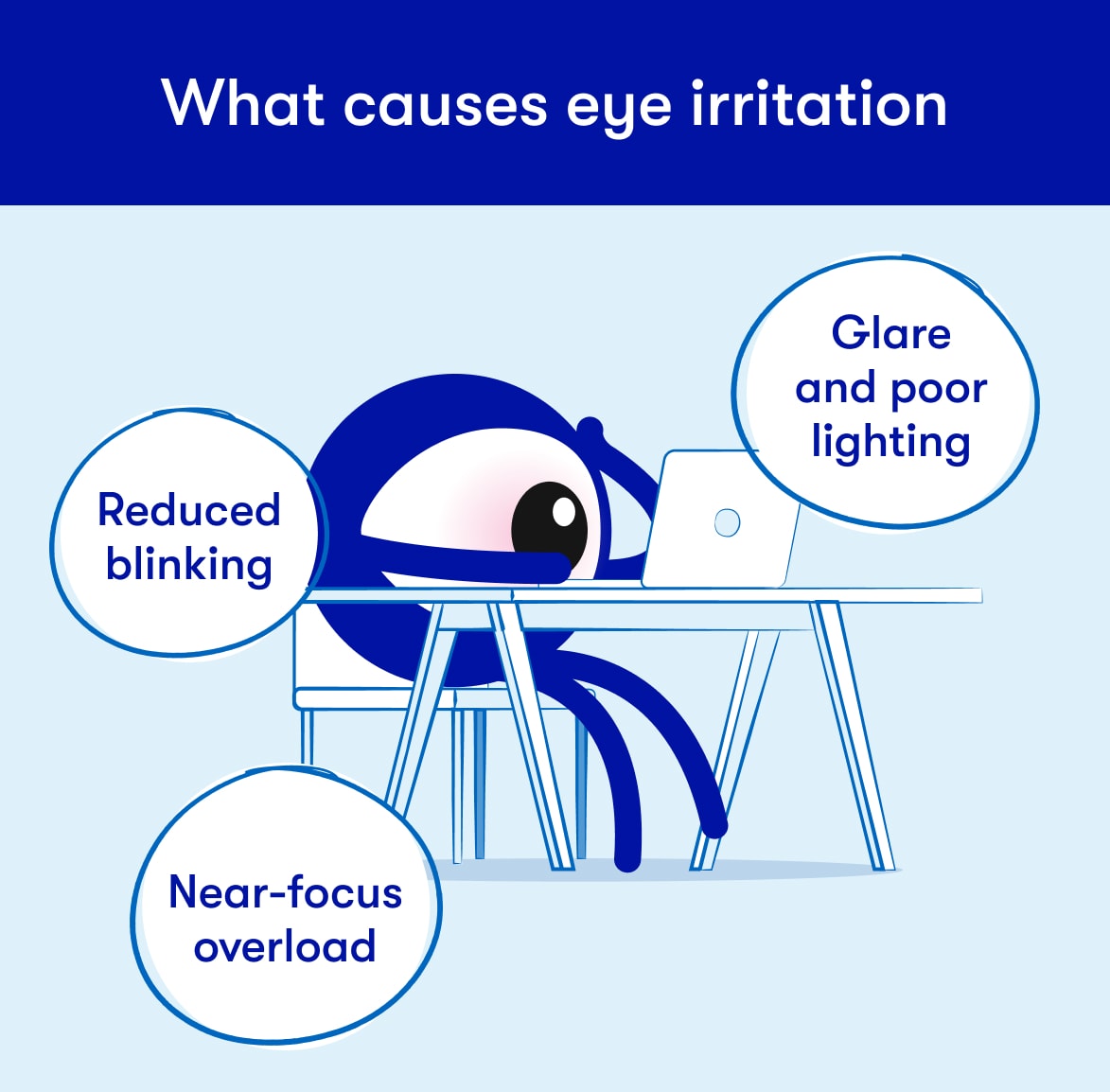
Reduced blinking
Today’s modern mobile phones and computers give our eyes lots to look at. From craft ideas and articles to skim to classic movies and mobile games, our screens are like a dessert buffet for our eyes. When your brain focuses intensely on all those juicy visual details, all that concentrating cues your brain to reflexively blink less often.
Turns out, when you vie for staring-contest dominance against an LED monitor, your eyes just don’t stand a chance. Reduced blinking means the tear film that covers your eye breaks down, and that means your eyes feel dry, gritty, or irritated. When blinks do happen during screen use, they're often incomplete, so the eye surface doesn't get fully refreshed.
Glare and poor lighting
Overhead lights, windows behind your monitor, high screen brightness, and low-contrast text all make your eyes work harder to process what they're seeing. The constant effort to compensate for poor viewing conditions contributes significantly to eye fatigue. If you find yourself having to lean forward or squint, lighting might be making your digital eye strain worse.
Near-focus overload
Ever feel intensely sore after a big work-out or long dance party? Muscle aches and fatigue happen when you push muscles past their limits. Spoiler alert: your eyes rely on muscles to focus, so they can get tired just like your glutes or abs.
Looking at something close up for hours requires sustained contraction of the focusing muscles inside your eye. Overuse of these muscles leads to blurry vision when you look away from the screen, headaches, and that heavy, unfocused feeling at the end of a long workday. Laptops and phones tend to make this worse because the screen is often held closer (more focusing required) and lower than a desktop monitor (worse posture that strains your head and neck muscles, sobbing emoji).
What computer eye strain feels like
Common symptoms
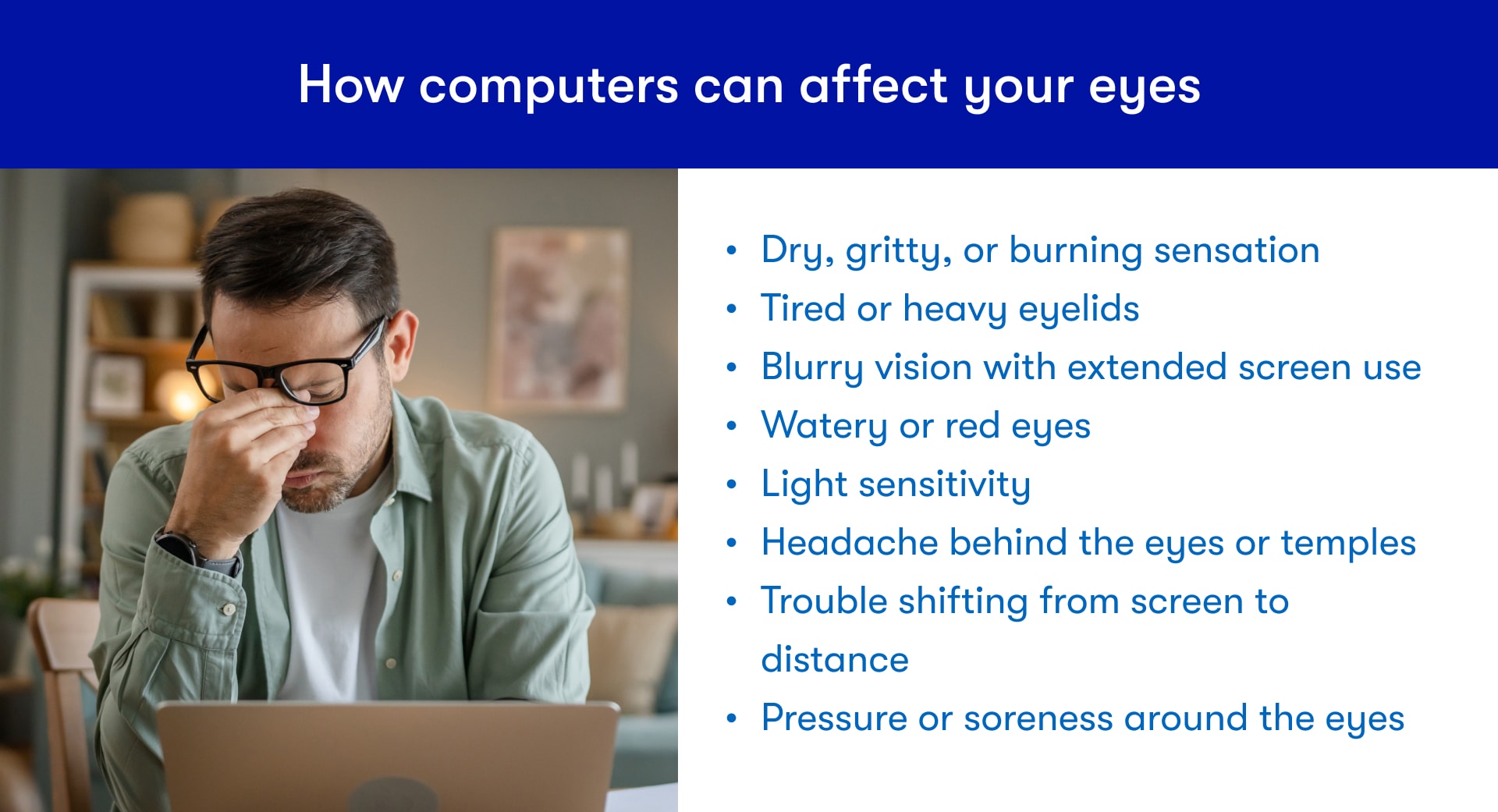
Most people with digital eye strain experience some combination of:
- Dry, gritty, or burning eyes
- Tired or heavy eyelids
- Blurry vision, especially after extended focus
- Watery or red eyes
- Light sensitivity
- Headaches, often behind the eyes or at the temples
- Trouble refocusing when shifting from screen to distance vision
- A vague pressure or soreness around the eyes
Some people describe it as "sleepy eyes" even when they're not tired, or a dull ache that builds through the day and eases on weekends.
Why your eyes may feel sensitive to screens all of a sudden
If screen sensitivity seems to have appeared out of nowhere, a few things tend to be behind it.
- Screen time has increased, such as a new job or working from home
- Sleep quality has dropped, leaving eyes more prone to fatigue and dryness
- Dry eye symptoms have worsened from seasonal changes, medications, or environment
- Contact lenses are less comfortable than they used to be
- An underlying vision problem, like a prescription change, has become more noticeable
Headaches, neck stiffness, and shoulder pain alongside eye discomfort are also common with digital eye strain, especially when your screen position, chair height, or viewing distance isn't set up well.
How to prevent eye pain from screen time
Ceasing all screen time isn’t exactly practical, especially if your job requires computer use. Luckily, these practical measures can reduce digital eye strain without abandoning all internet use.
Try the 20-20-20 rule and intentional blinking
Every 20 minutes, look at something 20 feet away for 20 seconds. This gives your focusing muscles a break and interrupts the extended near-focus cycle that drives eye fatigue.
When you pair the 20-20-20 rule with a few deliberate blinks, you’re giving your eyes a tear film refresh, too. Kinda like a trip to the water fountain for your special eyes.
Adjust your screen and workspace
If you work on a computer, a few small changes can drastically reduce eye strain.
- Screen distance: Position your monitor about an arm's length away. Too close or too far can increase demands on your eyes.
- Screen height: The top of your screen should be at or slightly below eye level so you're looking slightly downward. Looking up at a screen increases eye surface exposure and worsens dryness.
- Reduce glare: Position your screen perpendicular to windows. Use a matte screen filter if glare is a consistent problem.
- Adjust brightness: Your screen brightness should roughly match the ambient light in the room. A screen that's much brighter than the surrounding environment increases contrast strain.
- Increase text size: If you're squinting or leaning toward the screen, make the text bigger. It's a free fix.
- Improve room lighting: The big light isn’t just a problem at night. Harsh overhead fluorescent lighting worsens glare even in daytime. Softer, diffused lighting is easier for your eyes.
Adjust your contact lens or glasses habits
Contact lens wearers are prone to noticing eye strain sooner than other screen users. This is because the same factors that cause eye strain affect contact lenses, too. Reduced blinking leads to tear film deficiencies, lenses can dry out faster in climate-controlled office environments, and extended wear past recommended hours compounds all of it.
If you wear contacts, these tips can help reduce early onset digital eye strain:
- Use rewetting drops approved for contact lens wear throughout the day
- Don’t wear your contacts longer than recommended (most brands max out at 10–12 hours)
- Consider daily disposable lenses, which have less protein buildup and tend to feel more comfortable late in the day compared to bi-weekly or monthly lenses
- Give your eyes regularly scheduled contact-free days if dryness is significant
If you wear glasses and experience persistent blurry vision or headaches at your computer, your prescription may need a refresh just like your tear film. Some people also benefit from a separate pair of computer glasses or lenses optimized for intermediate distance. An eye doctor can help you figure out whether either of those makes sense for your situation.
How long does computer eye strain last?
Mild digital eye strain often improves within a few hours after stepping away from screens and making basic adjustments. If the habits causing it don't change, symptoms tend to return and can become chronic.
More stubborn symptoms (like persistent dryness or recurring headaches that come back every workday) usually mean the underlying cause hasn't been addressed. That might be a workstation setup issue, a prescription that needs updating, or dry eye that's moved beyond what lifestyle changes alone can manage.
As for whether long screen time permanently damages your vision, current evidence suggests screens more often reveal or aggravate existing issues, like a prescription change that's gone unnoticed, rather than directly causing lasting vision loss. That said, chronic dry eye from years of high screen use can have long-term effects on eye surface health, which is one more reason to take the symptoms seriously.
When screen-related eye pain deserves more attention
Most digital eye strain improves with breaks and simple adjustments. But some situations call for a closer look:
- Pain that's strong, one-sided, or sudden
- Significant vision changes alongside the discomfort
- Symptoms that don't improve at all after reducing screen time and adjusting your setup
- Persistent blurry vision or headaches that keep coming back
These can overlap with dry eye disease, an uncorrected vision problem, or other eye conditions. An eye exam is the right next step if symptoms aren't responding to basic changes.
Frequently asked questions
Why do screens hurt my eyes all of a sudden?
A sudden increase in screen time, worsening dry eye, a prescription change that's become more noticeable, or a change in your sleep or environment are the most common triggers for new screen sensitivity.
How do I stop my eyes from hurting on a computer?
Start with the 20-20-20 rule, deliberate blinking, and screen position adjustments. Reduce glare, check your screen brightness, and use lubricating drops if dryness is an issue. If symptoms persist, an eye exam is the right next step.
Does computer eye strain go away on its own?
Mild symptoms often improve within a few hours after reducing screen use. If habits don't change, symptoms tend to return. Persistent or worsening symptoms usually need more than a break to resolve.
How much screen time is too much for adult eyes?
There isn’t a single medically recommended limit for screen time for adults. And the reality is that adults who use a computer for work average seven or more hours of screen time per workday, and that’s not including recreational phone, tv, or video game use.
Seven hours of sustained screen use raises the risk of eye discomfort, but the effect depends heavily on breaks, blinking habits, screen setup, and whether dry eye or an uncorrected prescription is involved.
Did you know you can order contacts online?
Skip the extra trips and get what you need, when you need it. With 1-800 Contacts, you can order your lenses in just a few clicks and have them delivered right to your door. Need to renew your prescription? Our online vision exam makes it easy to do from home. New customers save on their first order.
Original publish date: 1/25/2023
Updated date: 10/30/2026